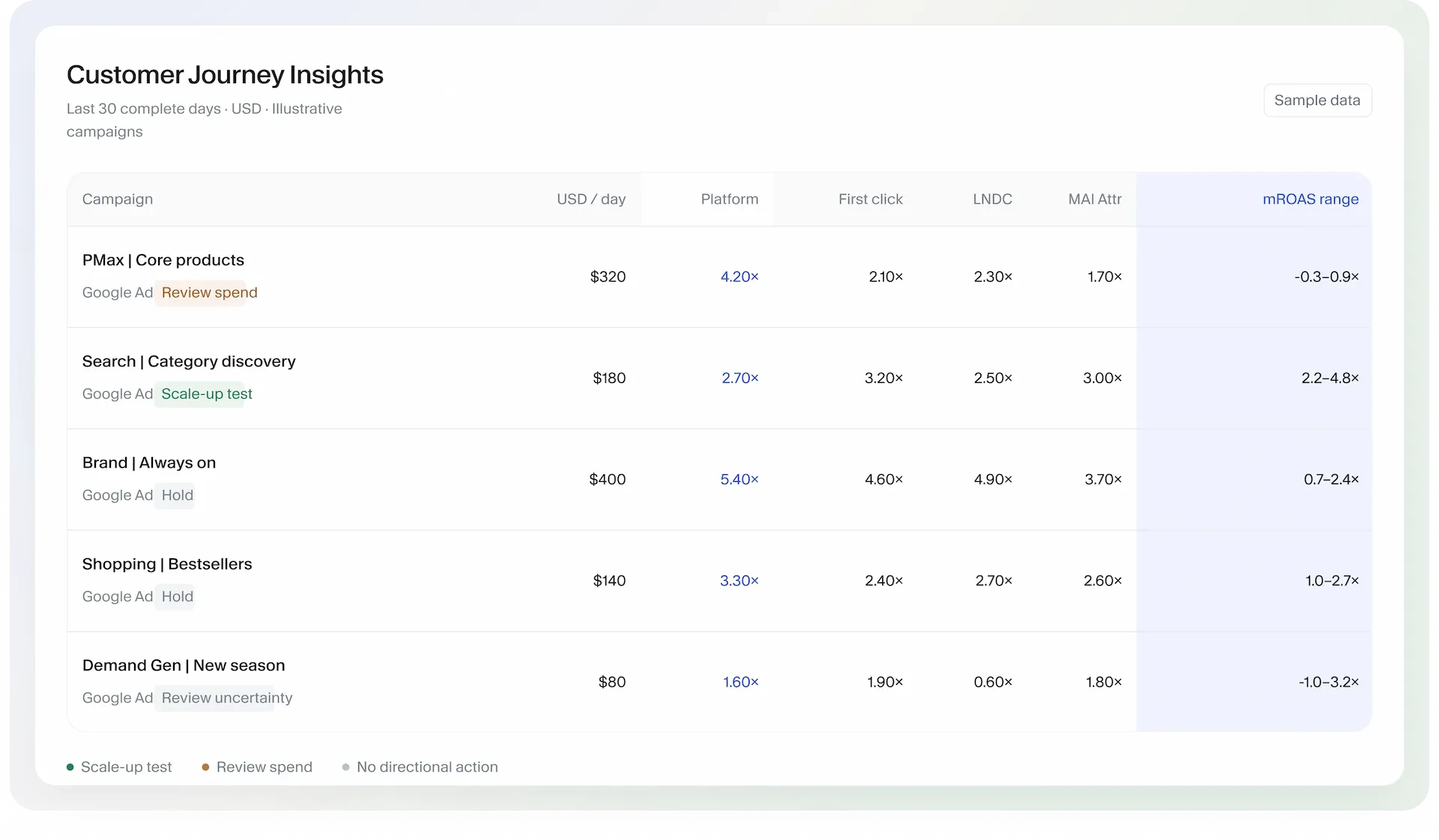
How do models credit my campaigns?
Customer Journey Insights · campaign-level attribution
- Connect
- Google Ads + the associated GA4 property; sufficient campaign and conversion data.
- Review
- Platform, first-click, LNDC and MAI attribution views.
Start with the decision you need to make.
Prepare the offer and spend limits. Know what to review before, during, and after the sale.
Explore the sale playbook ↗Campaign attribution and channel modeling answer different questions. Choose the level that matches your decision.
Customer Journey Insights · campaign-level attribution
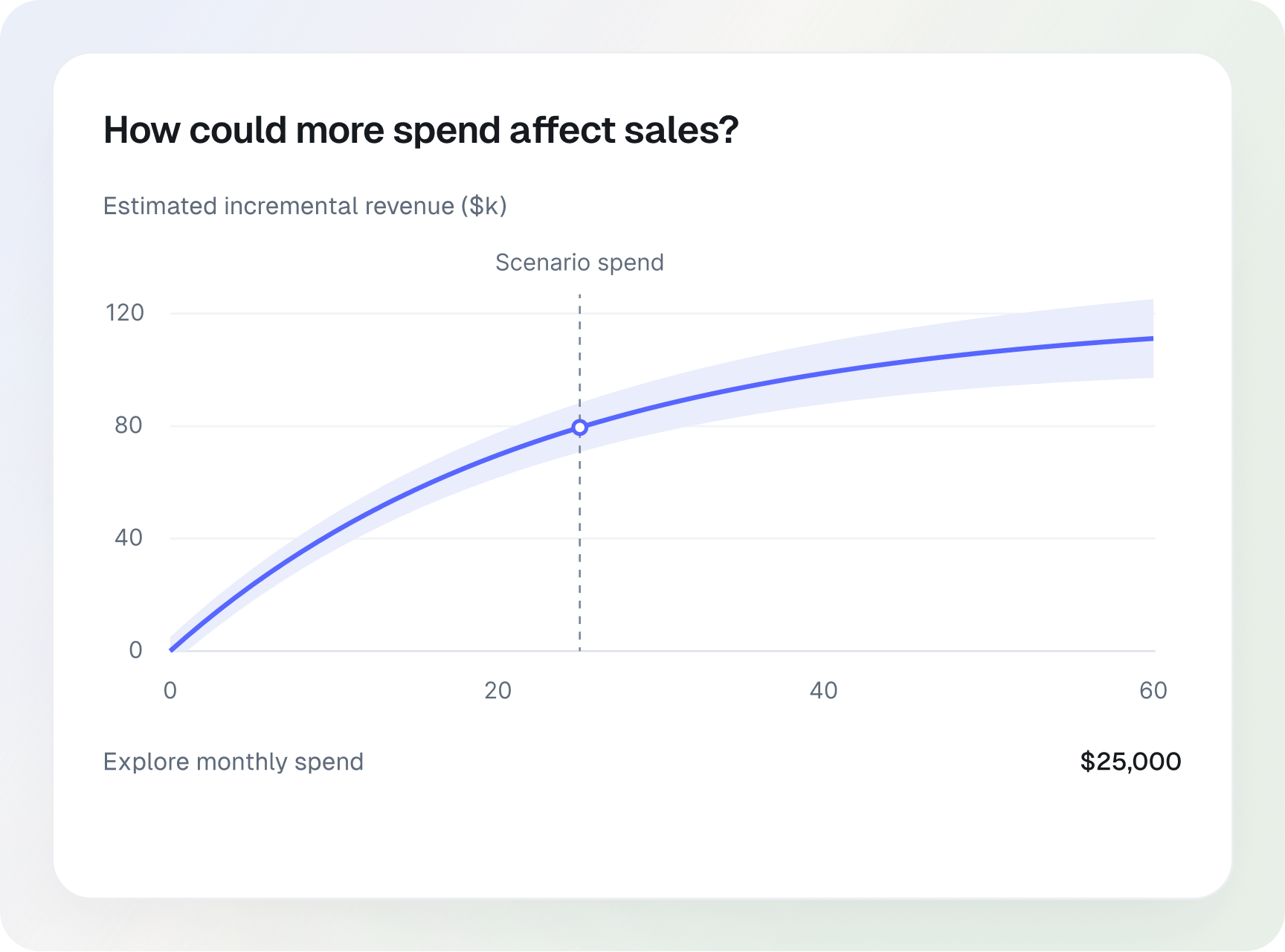
Marketing Mix Modeling · channel-level measurement
Illustrative product previews. Estimates are not guarantees. Advanced MMM budget planning requires enabled access through MAI.
Opti uses suitable saved segment evidence to form a proposal. It is a separate workflow from comparing measurement views.
See Opti recommendations ↗Start with one recurring campaign check or performance review, and keep business decisions with you.
Explore MAI for your team ↗Build a repeatable client review process within each authorized workspace.
Explore MAI for your team ↗Investigate campaign performance, review supported creative or bidding proposals, and plan your next spend increase.
Explore MAI for your team ↗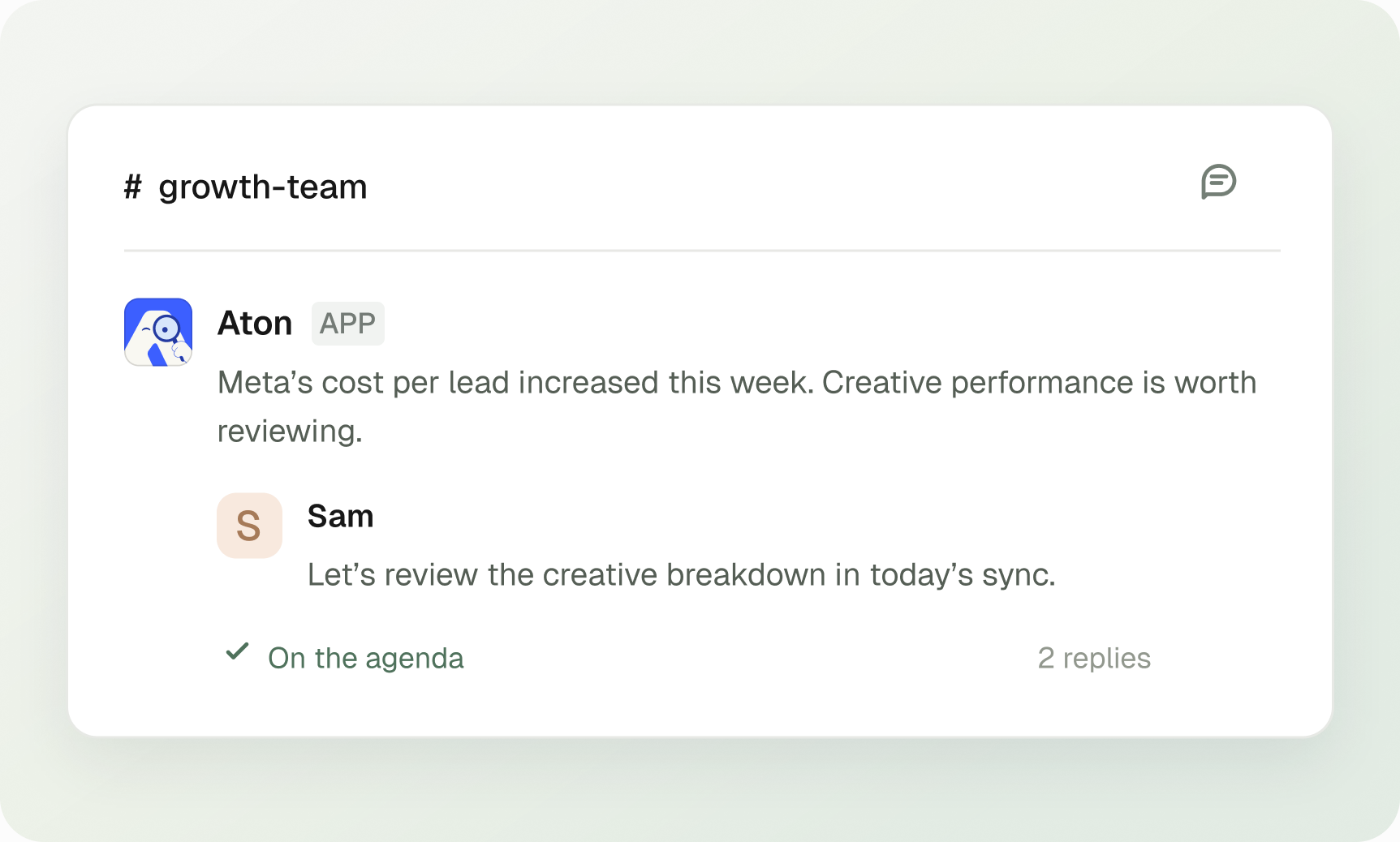
Ask Aton what changed and what needs attention, where your team already works.
Explore performance answers in Slack ↗Illustrative conversation. A connected Slack workspace, authorized account context and available data are required.
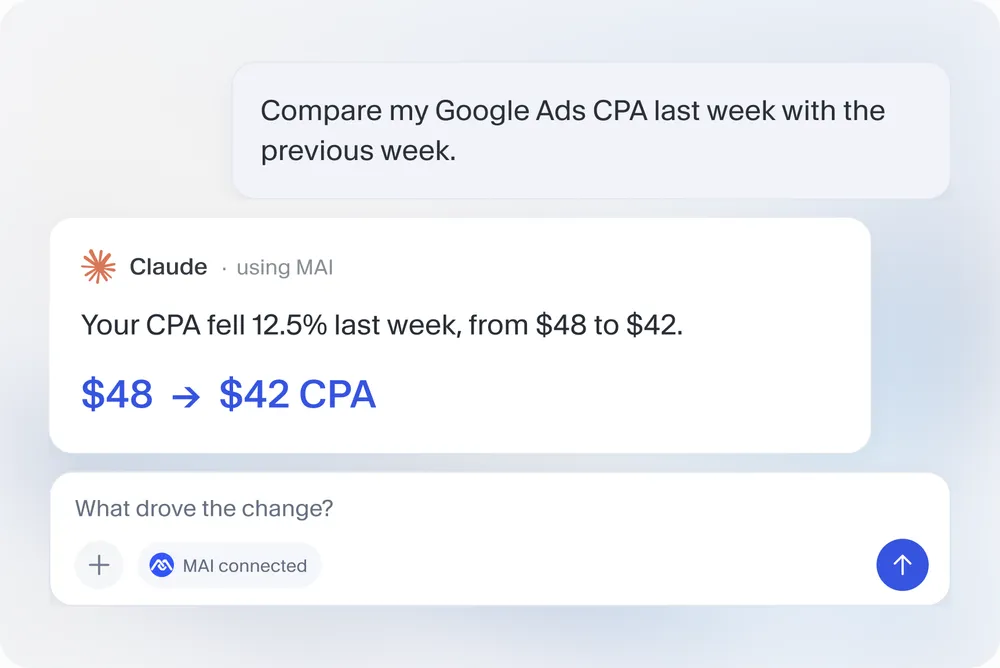
Use MAI through MCP in ChatGPT, Claude, Codex or another compatible assistant. Bring connected advertising data into the conversation.
Explore MAI for AI assistants ↗Illustrative answer. Connected sources, authorized account access and an MCP-compatible app are required.
Practical reading for the work around campaign decisions.
Availability depends on connected sources, supported controls, permissions and suitable evidence. You approve campaign changes.

MAI is a Performance Marketing Agent. Media buying across Google, Meta, and more. Handled.
Try for free