
Skip to content 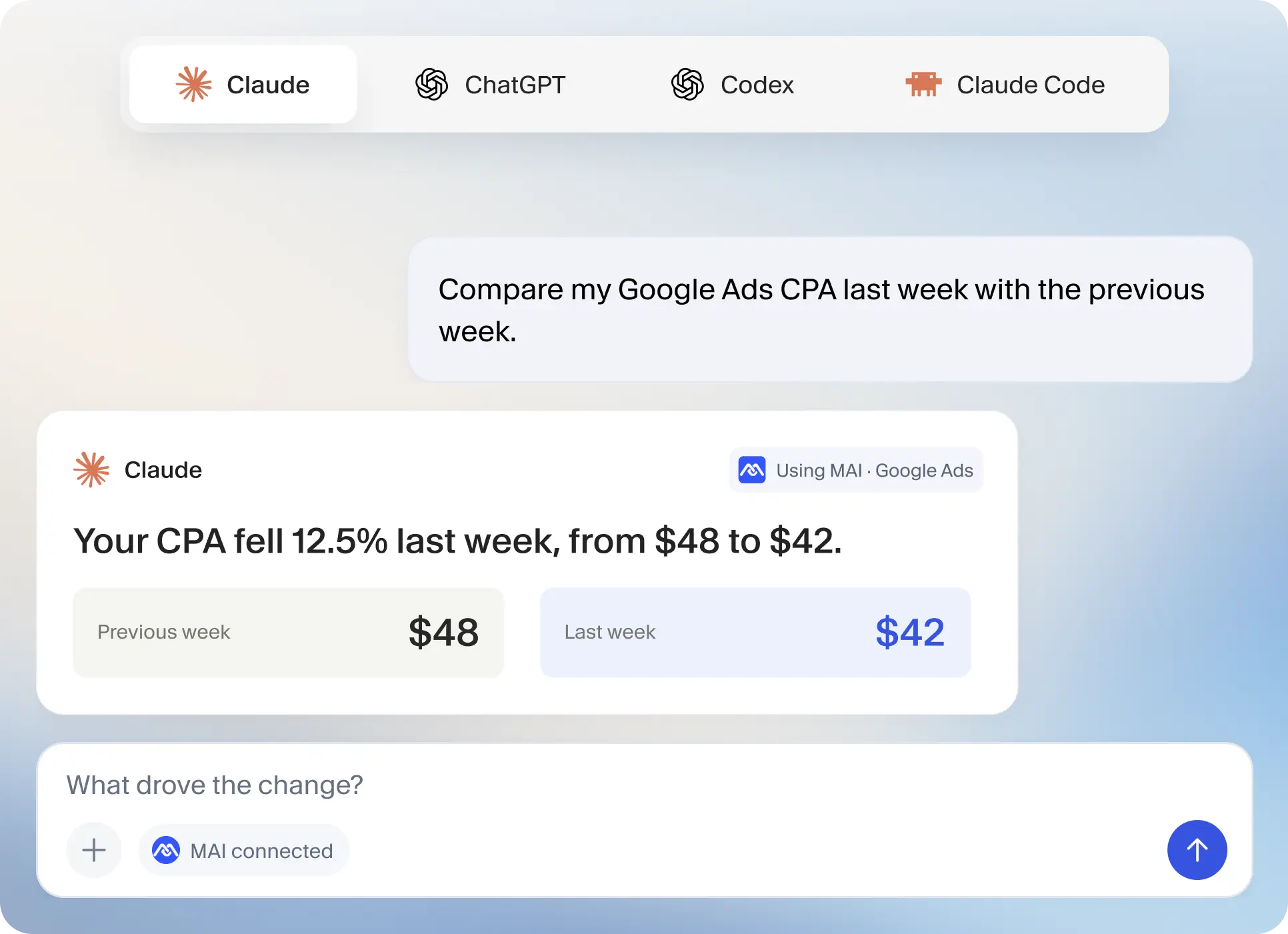
From “what happened?”
Connect once.

Bring MAI into your
All use cases ↗
Ask about your ads.

Ask about your ads.
Get answers where you already work.
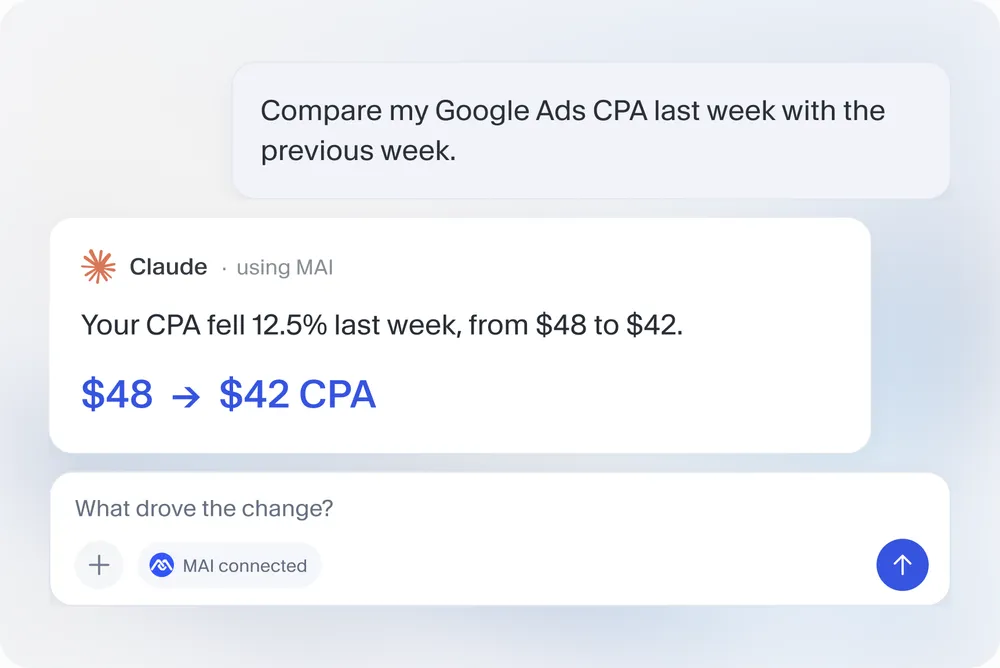
Connect MAI to your AI assistant and ask questions about your Google Ads, Meta Ads and Shopify performance, without opening another dashboard.
Get started with MAI Create your MAI account and connect your data, then add MAI in your MCP-compatible assistant. Available answers depend on your connected sources and authorized account access.
One MAI connection. Your choice of assistant.
-
 Claude
-
 ChatGPT
- Codex
-
 Claude Code
- + more
From “what happened?”
to “what’s next?”
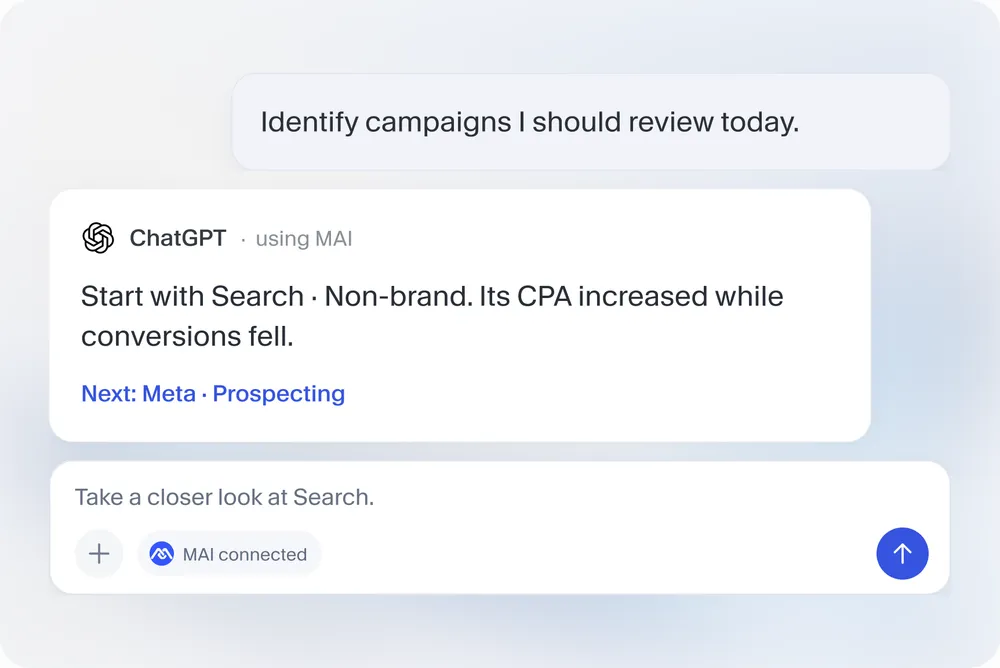
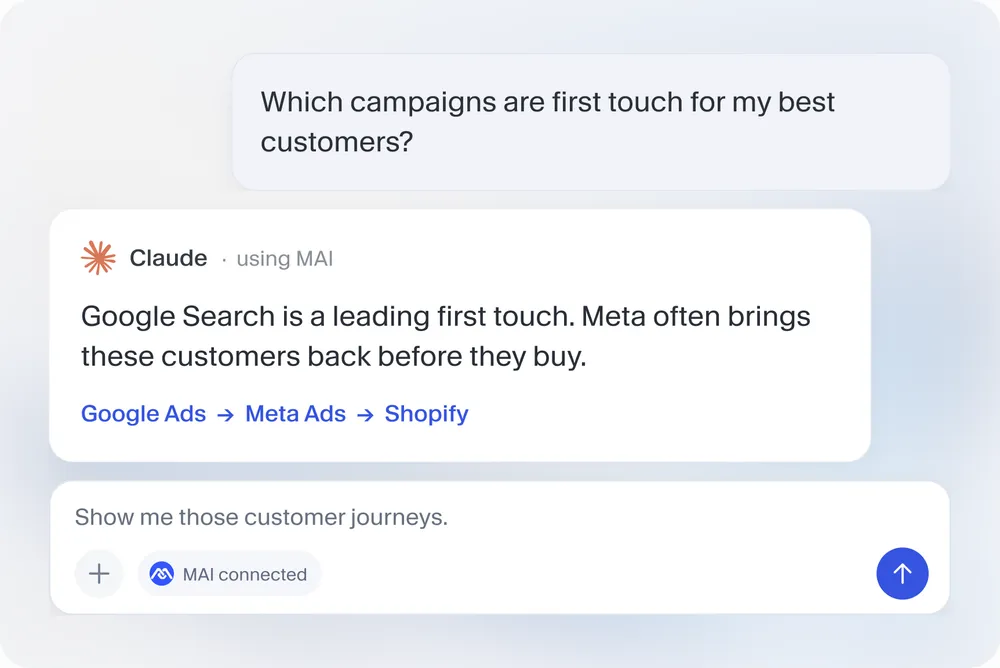
Ask in plain language. Get context from your Google Ads, Meta Ads and Shopify data.
Know what to review today
See the path to purchase
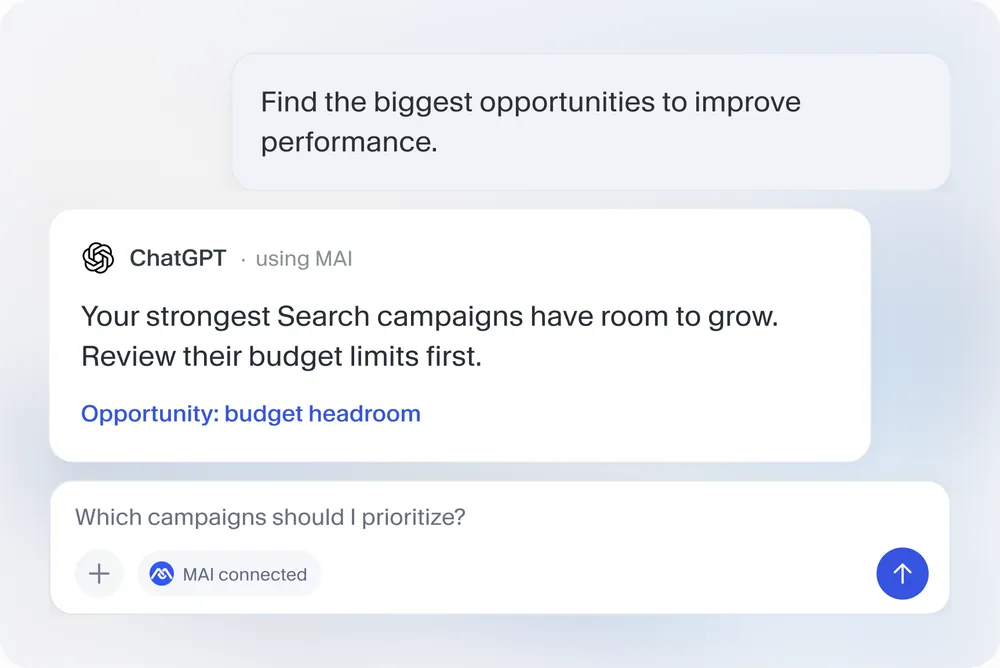
Find your next opportunity
Illustrative answers and sample data.
Connect once.
Ask about your performance.
Use MAI in the AI assistant you already work with.
-
Choose your assistant.
Claude, ChatGPT, Codex, Claude Code or another MCP-compatible app.
-
Add MAI and sign in.
Paste the server URL and approve access with your MAI account.
-
Start asking.
Open a new chat, enable MAI if your app requires it, and try a prompt.
Bring MAI into your
next AI conversation.
Your Google Ads, Meta Ads and Shopify performance. In your AI assistant.