Prepare a client-specific review.
Create a report from the available campaign evidence. Keep the client scope, time window and measurement definitions attached to the discussion.
Bring the review into Slack with Aton ↗Every account review needs context, evidence and a next decision. MAI can help prepare that work inside an authorized client workspace, while your team owns the strategy and client relationship.
Explore MAI for your agencyCreate a report from the available campaign evidence. Keep the client scope, time window and measurement definitions attached to the discussion.
Bring the review into Slack with Aton ↗Where enabled, Opti can attach supporting evidence, inferred parameters and execution requirements to a campaign proposal. Review it within the client’s authority and constraints.
Review the Opti recommendation workflow ↗Choose the analysis that matches the question. Campaign-level attribution and channel-level modeling use different data and assumptions; advanced MMM planning requires eligible data and enabled access through MAI.
Explore customer journey insights ↗Keep the question and account context together as you repeat your process.
Help me prepare this client’s weekly performance discussion.
Use this client’s authorized data and goals to prepare the review. Summarize the changes, supporting evidence and open questions before taking the discussion to the team.
Illustrative workflow, not a cross-client dashboard. Permissions and connected data are checked per client.
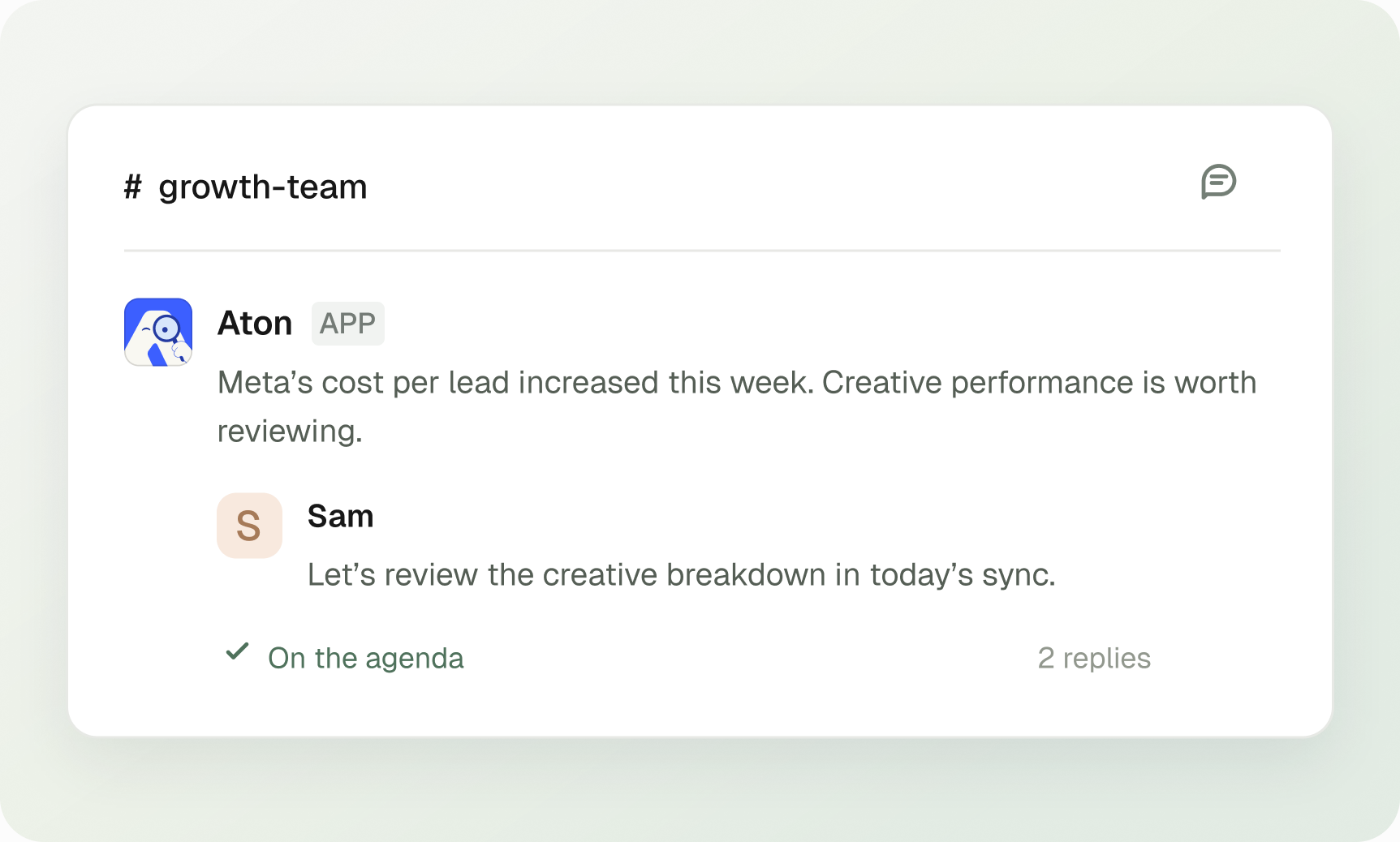
Discuss performance questions in a connected, authorized Slack context. Client access and workspace mappings still apply to the underlying account data.
See how Aton works in Slack ↗Selected reading for your team. These are operating guides, not promises of results or automatic features.
Use a repeatable review checklist, then configure each workflow in the correct authorized client workspace. Account connections, goals, permissions and schedules remain client-specific.
Those capabilities are not established by this use case. The verified scope is client-scoped reports, analysis and configured workflows. Discuss additional agency requirements with the MAI team.
No. A tuning proposal is separate from provider execution. Supported changes require the relevant access, resolved inputs and authorization.
Access, reports and saved workflows are client-scoped. Permissions and workflow visibility apply. This does not promise an agency-wide control panel, bulk cross-client execution, white-label reporting or a particular increase in account capacity. Verify those needs separately.

MAI is a Performance Marketing Agent. Media buying across Google, Meta, and more. Handled.
Try for free